store
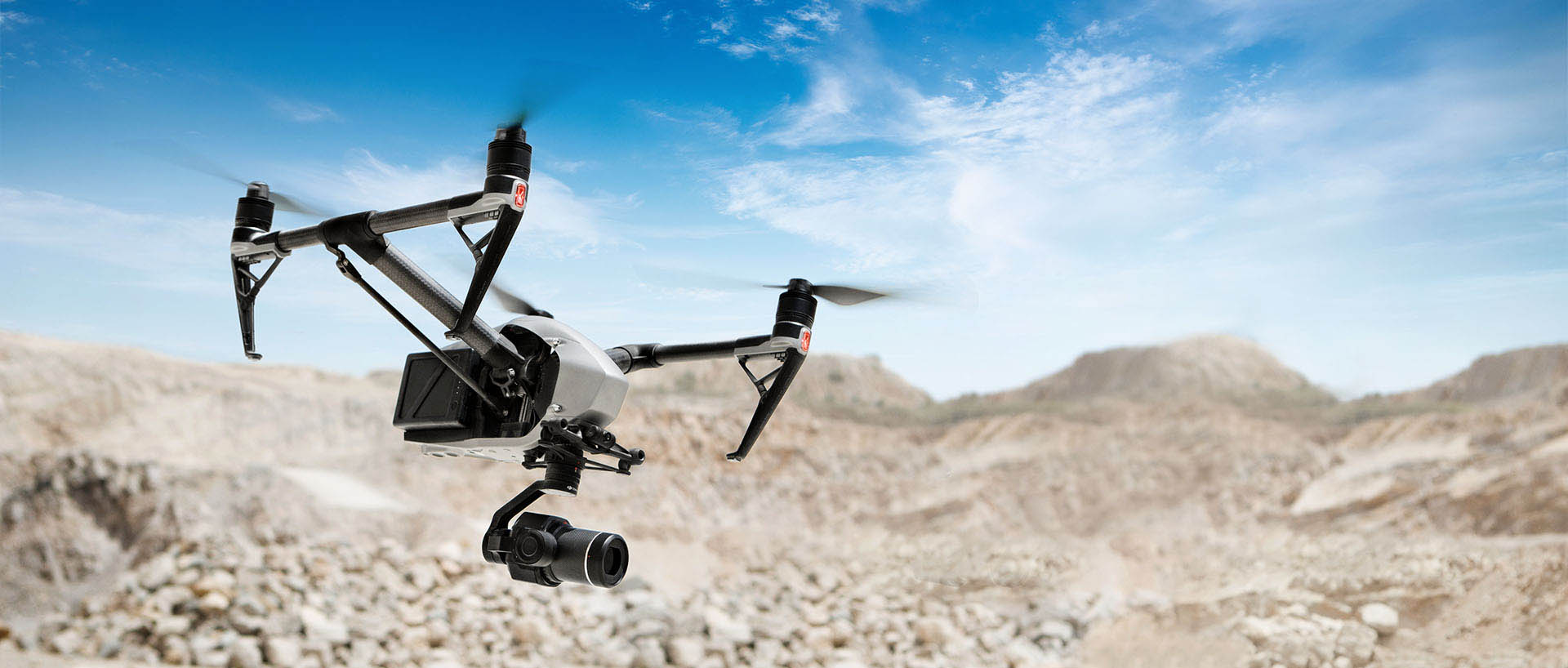

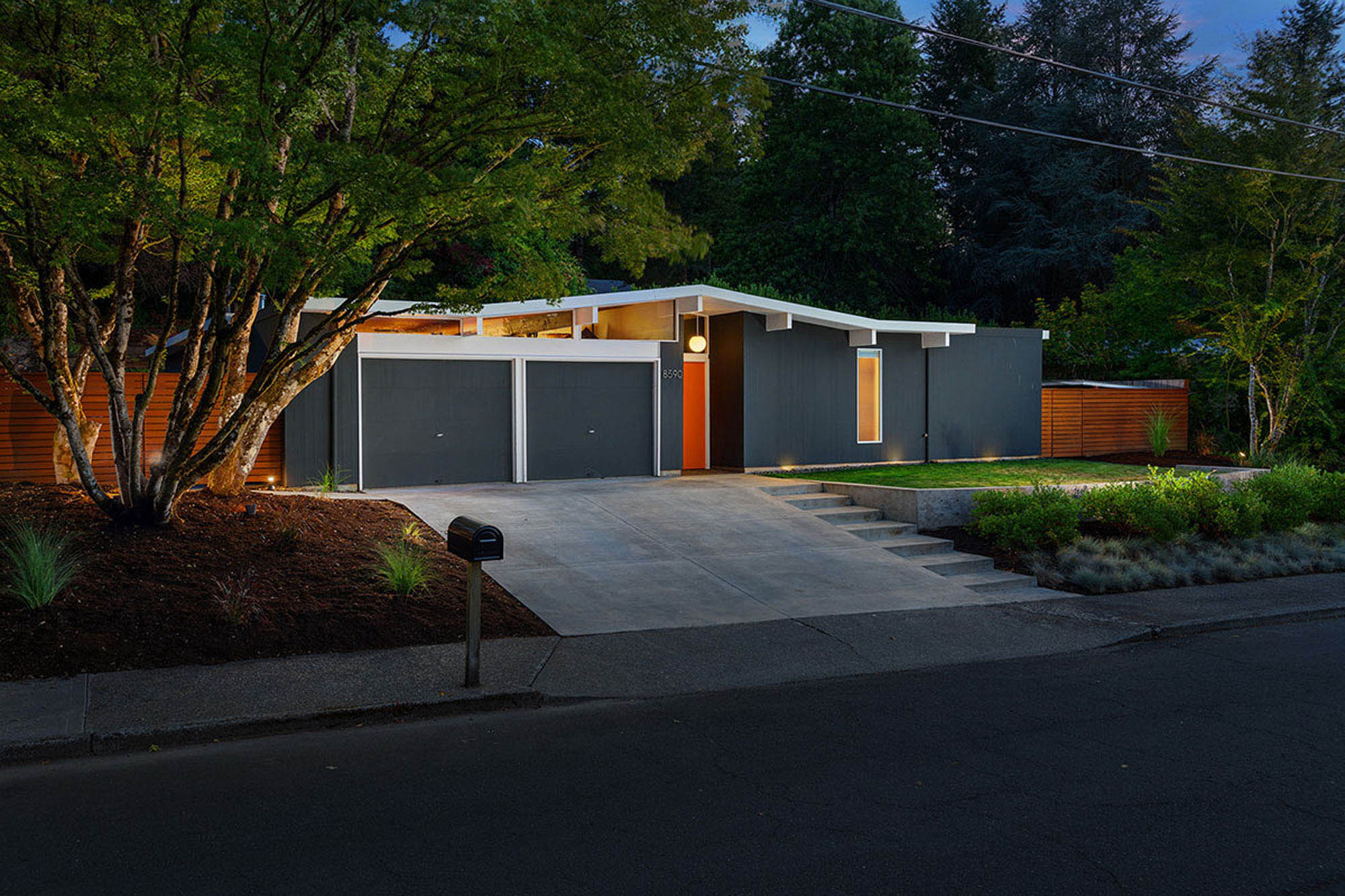

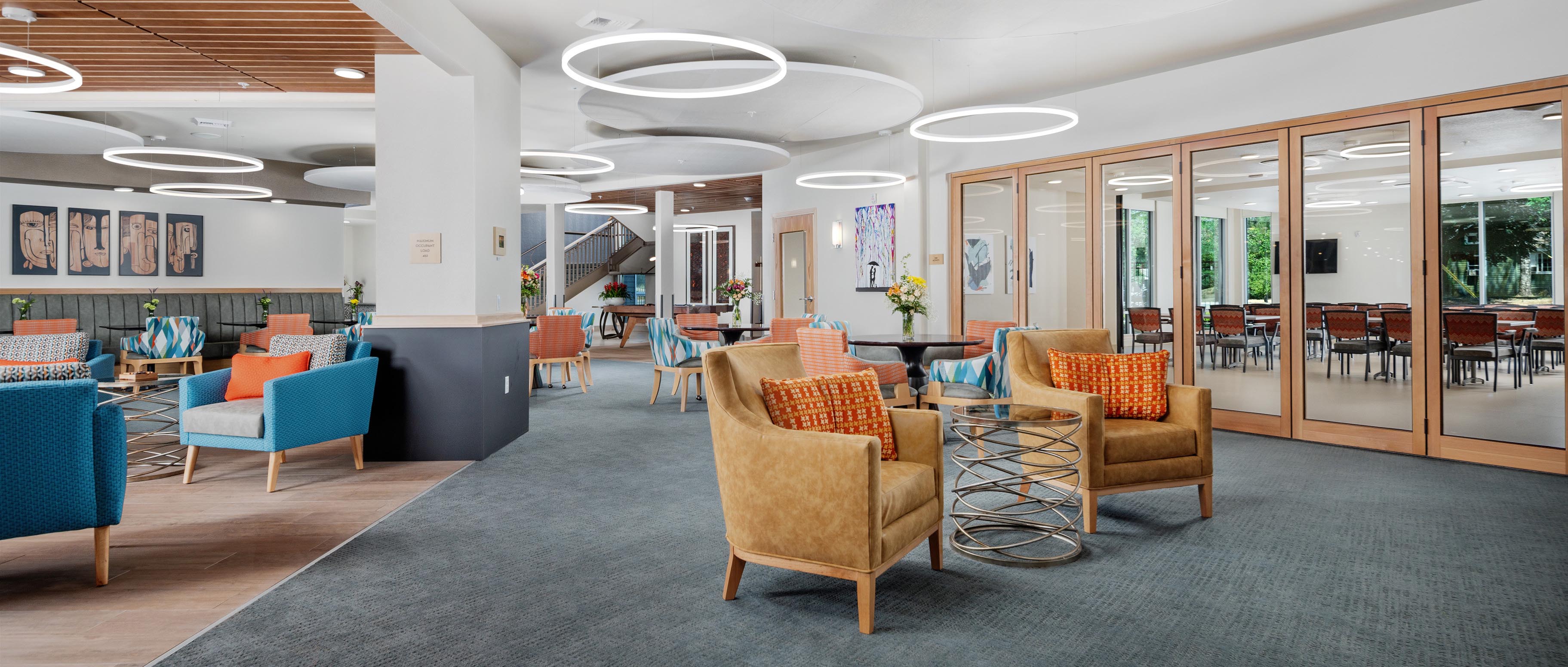
DJI Mavic 4 Pro
Camera Profile
Corrected Camera Profile
The DJI Mavic 4's three cameras each exhibit distinct color shifts that make matching footage and stills across lenses a challenge:
1x Camera — produces a warm magenta cast, oversaturating reds and skin tones while pushing shadows toward purple.
2.5x Camera — renders cooler and slightly cyan, causing greens to shift teal and blues to appear over-saturated compared to the 1x.
6x Camera — exhibits a yellow-green bias in highlights with compressed shadow detail, making it the hardest to match in mixed-lens edits.
This profile set neutralizes each camera's individual shift so all three lenses deliver consistent, accurate color straight out of the camera — no manual correction needed.
For Mac & PC
Download Contents
Installation
Lightroom / Photoshop
- Open Lightroom or Camera Raw in Photoshop.
- Go to the Develop module → Presets panel.
- Right-click Presets → Import Presets and select the camera profiles.
- Apply the profile matching your active camera (1x, 2.5x, or 6x).
DaVinci Resolve
- Open the Color page in DaVinci Resolve.
- Click the LUTs button in the top toolbar.
- Right-click in the LUT browser → Open File Location.
- Copy the camera profiles into that folder, then refresh the LUT list.
- Apply the profile matching your active camera (1x, 2.5x, or 6x).